Module 3: Prototyping and Wireframing
Overview
This module explores essential tools and techniques for creating effective prototypes and wireframes, vital for the iterative design process in UX/UI development.
Ready? Let's commence.
Lesson 1: Introduction to Prototyping and Wireframing
Definition:
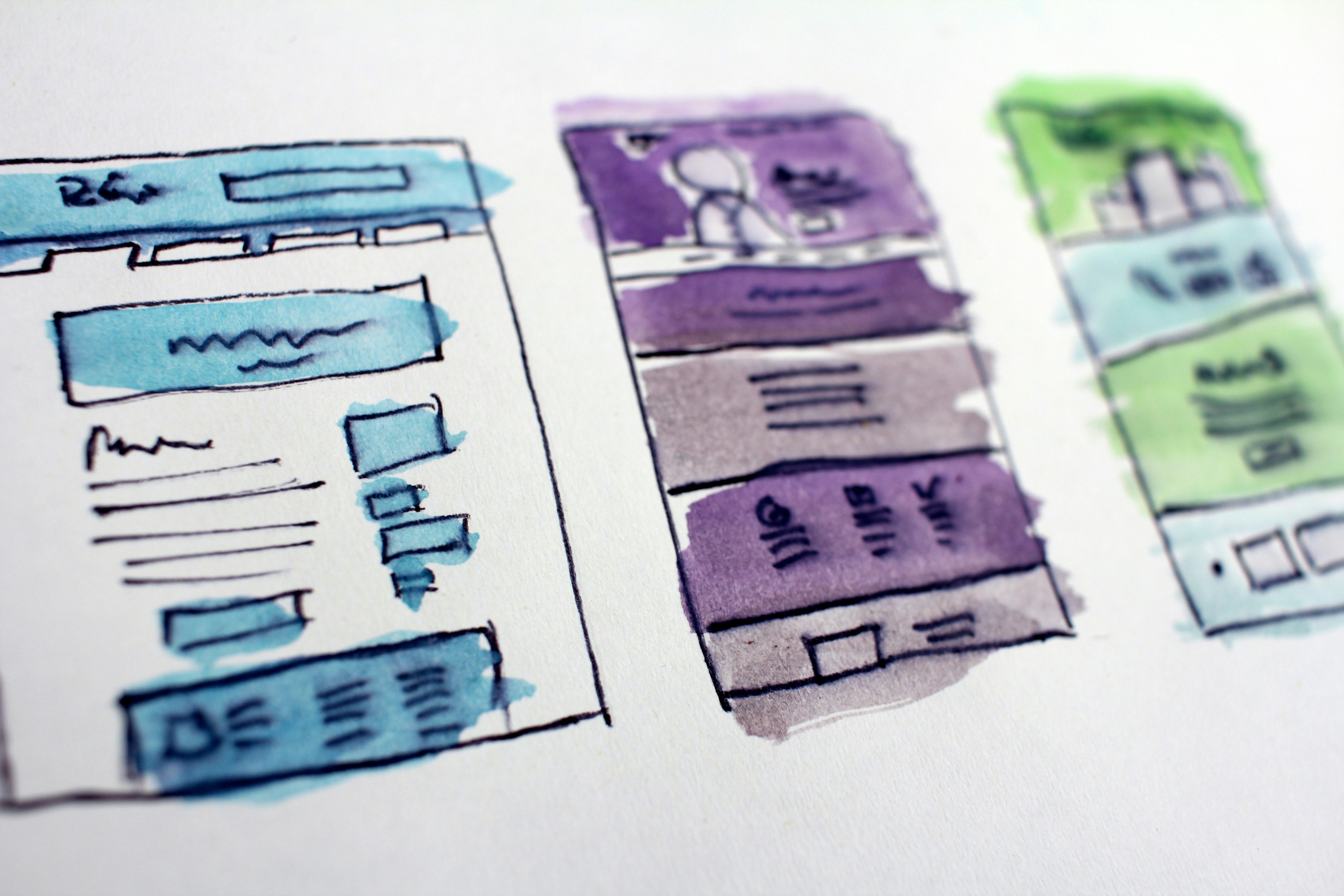
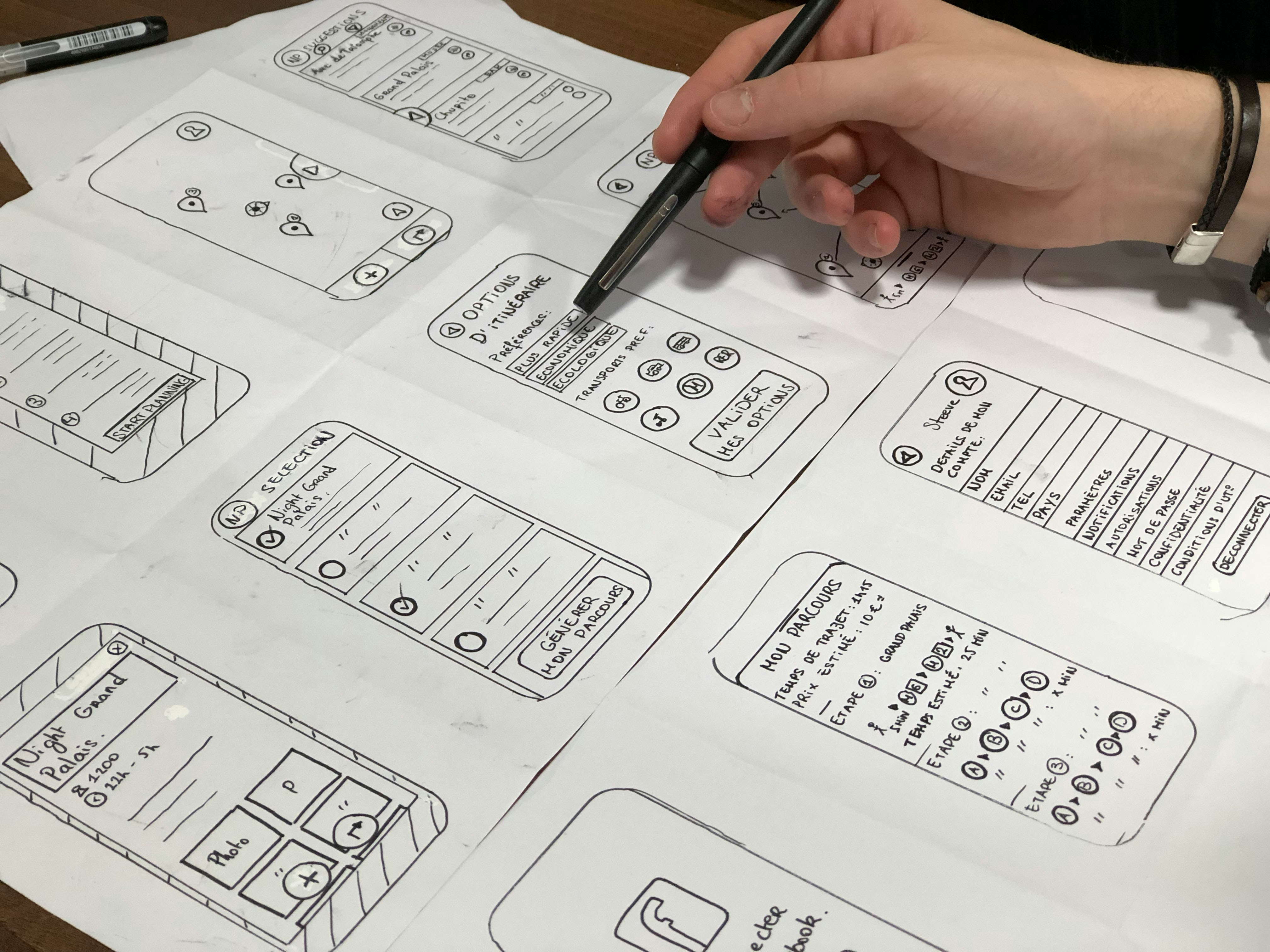
Wireframing: The process of creating a basic visual guide that represents the skeletal framework of a website or application. It focuses on layout, structure, and functionality rather than visual design.
Prototyping: Developing interactive models of a product to simulate user interaction and gather feedback. Prototypes can range from low-fidelity (simple, static) to high-fidelity (interactive, close to final design).
Wireframing

Purpose: Establish the basic structure and layout of a product without detailed design elements. It helps in outlining functionality and content placement.
Components:
Layout: Basic structure including grids, navigation, and content placement.
Annotations: Notes and labels explaining functionality and interaction.
Low-Fidelity Elements: Simple shapes, lines, and placeholders for text and images.
Wireframing

Tools:
Figma: Great for creating quick, low-fidelity wireframes.
Sketch: Used for detailed wireframes and high-fidelity prototypes.
Adobe XD: Offers a range of tools for wireframing, prototyping, and collaboration.
Example:
Create a wireframe for a homepage of an e-commerce website, focusing on layout, navigation, and key features like search bars, product listings, and CTAs.
Prototyping

Purpose: Create an interactive model that mimics the user experience. Prototypes help in testing usability, functionality, and user flow before development.
Types:
Low-Fidelity Prototypes: Simple and static, used for early-stage testing (e.g., paper sketches, clickable wireframes).
High-Fidelity Prototypes: Interactive and detailed, used for user testing and stakeholder presentations (e.g., interactive digital models).
Prototyping

Components:
Interactive Elements: Links, buttons, forms, and transitions.
User Flow: Simulates the user journey through the product.
Feedback Mechanisms: Includes user inputs and feedback loops.
Tools:
InVision: Allows the creation of interactive prototypes from static images and wireframes.
Figma: Provides collaborative design and prototyping features, allowing multiple users to work on the same prototype simultaneously..
Practical Application: Design Project Fitness Tracking App
Tasks:Wireframing Template:
Objective: Create the initial layout of your fitness tracking app.
Template:
Header: Navigation links, logo
Main Content Area: Dashboard, activity stats, navigation bar
Footer: Links, copyright information
Annotations: Notes on functionality and design decisions
Example: Develop a wireframe for the home screen of the fitness app, outlining key features like the activity tracker, goal setting, and navigation menu.
Submit task
Practical Application: Design Project Fitness Tracking App
Tasks:Prototyping Template:
Objective: Develop an interactive prototype of your fitness tracking app.
Template:
User Flow: Create a flowchart of user interactions (e.g., login, dashboard, activity log).
Interactive Elements: Links, buttons, sliders, and forms.
Feedback Points: Areas where users can provide feedback or see results.
Example: Build a prototype in Figma that includes a user login screen, dashboard, and activity tracking features with interactive elements.
Submit task
Resources for Further Reading.
Figma's Official Tutorials: Guides and tutorials for mastering Figma.
Adobe XD : Comprehensive resources for learning Adobe XD.
Sketch Documentation: Detailed documentation and tutorials for Sketch.
\