Module 5: Usability Testing
Overview
Usability testing is a crucial process in UX design. This module focuses on methodologies, tools, and techniques for conducting and analyzing usability tests to identify areas of improvement and enhance user satisfaction.

Ready? Let's commence.
Lesson 1: Introduction to Usability Testing
Definition:
Usability testing involves observing real users as they interact with a product to identify usability issues and gather qualitative and quantitative data on user behavior and satisfaction.

Importance:
Ensures product is user-friendly and meets user needs.
Identifies and resolves usability issues before product launch.
Provides insights into user behavior and preferences.
Lesson 2: Types of Usability Testing

1. Moderated Usability Testing:
Conducted in person or remotely with a facilitator guiding participants.
Example: A researcher moderates a session where users navigate a new fitness app, asking questions and observing their interactions.
2. Unmoderated Usability Testing:
Participants complete tasks without a facilitator, often using software tools to record interactions.
Example: Users are given tasks to complete on a fitness app, with screen activities recorded for analysis.
Lesson 2: Types of Usability Testing

3. Guerrilla Testing:
Informal, quick testing method conducted in public places to gather spontaneous user feedback.
Example: Approaching people in a park to test a new fitness app prototype on the spot.
4. A/B Testing:
Comparing two versions of a product to see which performs better.
Example: Testing two different designs of a fitness app's home screen to determine which one has higher user engagement.
Lesson 3: Conducting Usability Tests

Planning:
Define objectives, select target audience, and choose the appropriate testing method.
Example: Improving the workout tracking feature of a fitness app by identifying user pain points.
Recruiting Participants:
Select participants that represent the target user base.
Example: Recruiting fitness enthusiasts who use mobile apps for their workouts.
Creating Test Scenarios and Tasks:
Develop realistic scenarios and tasks for participants to complete.
Example: Asking users to log a workout session using the fitness app.
Lesson 3: Conducting Usability Tests

Conducting the Test:
Facilitate the test, observe participants, and take notes.
Example: Moderating a session where participants are observed navigating through the workout logging feature.
Analyzing Data:
Compile and analyze data to identify usability issues and patterns.
Example: Review video recordings of user sessions to spot common difficulties in the workout logging process.
Reporting Findings:
Summarize findings, provide recommendations, and present them to stakeholders.
Lesson 4: Analyzing and Reporting
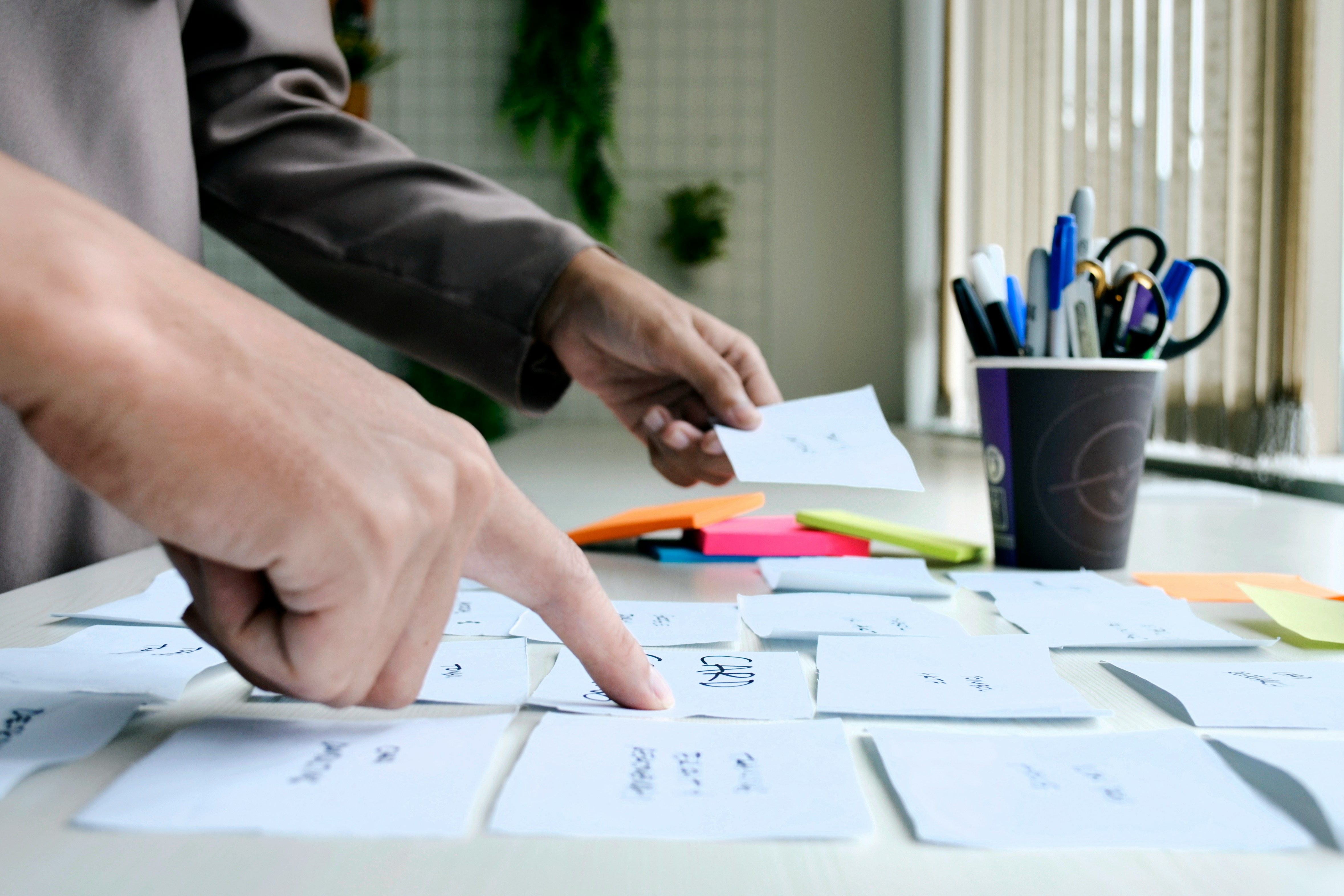
Analyzing Data:
Qualitative Data: Observations, notes, and user feedback to understand user behavior and pain points.
Example: Noting that users consistently struggle with finding the workout history on the fitness app.
Quantitative Data: Metrics such as task completion rates, time on task, and error rates to measure usability.
Example: Calculating the average time it takes for users to log a workout session.
Lesson 4: Analyzing and Reporting
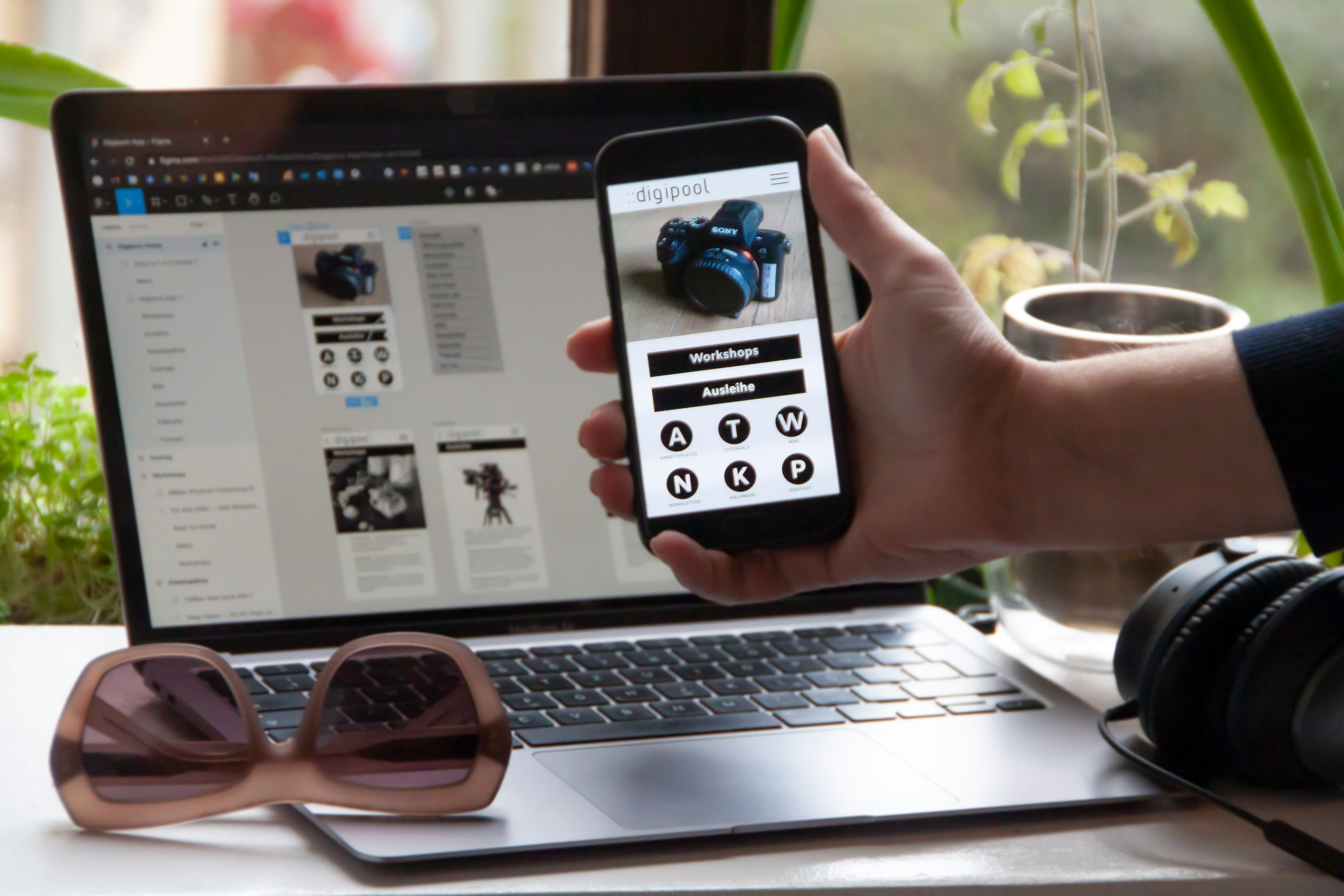
Reporting:
Summary of Findings: Present key issues and insights from the testing.
Example: Highlighting that users find the workout logging process confusing and suggesting a redesign.
Recommendations: Provide actionable recommendations to improve usability.
Example: Recommending a more intuitive layout for the workout logging feature and clearer navigation labels.
Practical Application: Fitness App Usability Testing
Product to Work On: Fitness App
Planning:
Define the objective: Improve the user experience of the workout logging feature.
Recruiting Participants:
Recruit participants could be Your friends or a member of your family.
Creating Test Scenarios and Tasks:
Scenario: Users logging their daily workout routine.
Task: Complete the workout logging process from start to finish.
Analyzing Data:
Review recordings to identify steps where users faced difficulties.
Reporting Findings:
Create a report detailing usability issues and suggesting design improvements.
Submit task
Resources for Further Reading.