Module 6: Portfolio
Overview
Building a portfolio is essential for showcasing your skills and projects to potential employers and clients. This module guides you through creating a professional portfolio, including the selection and presentation of your best work.
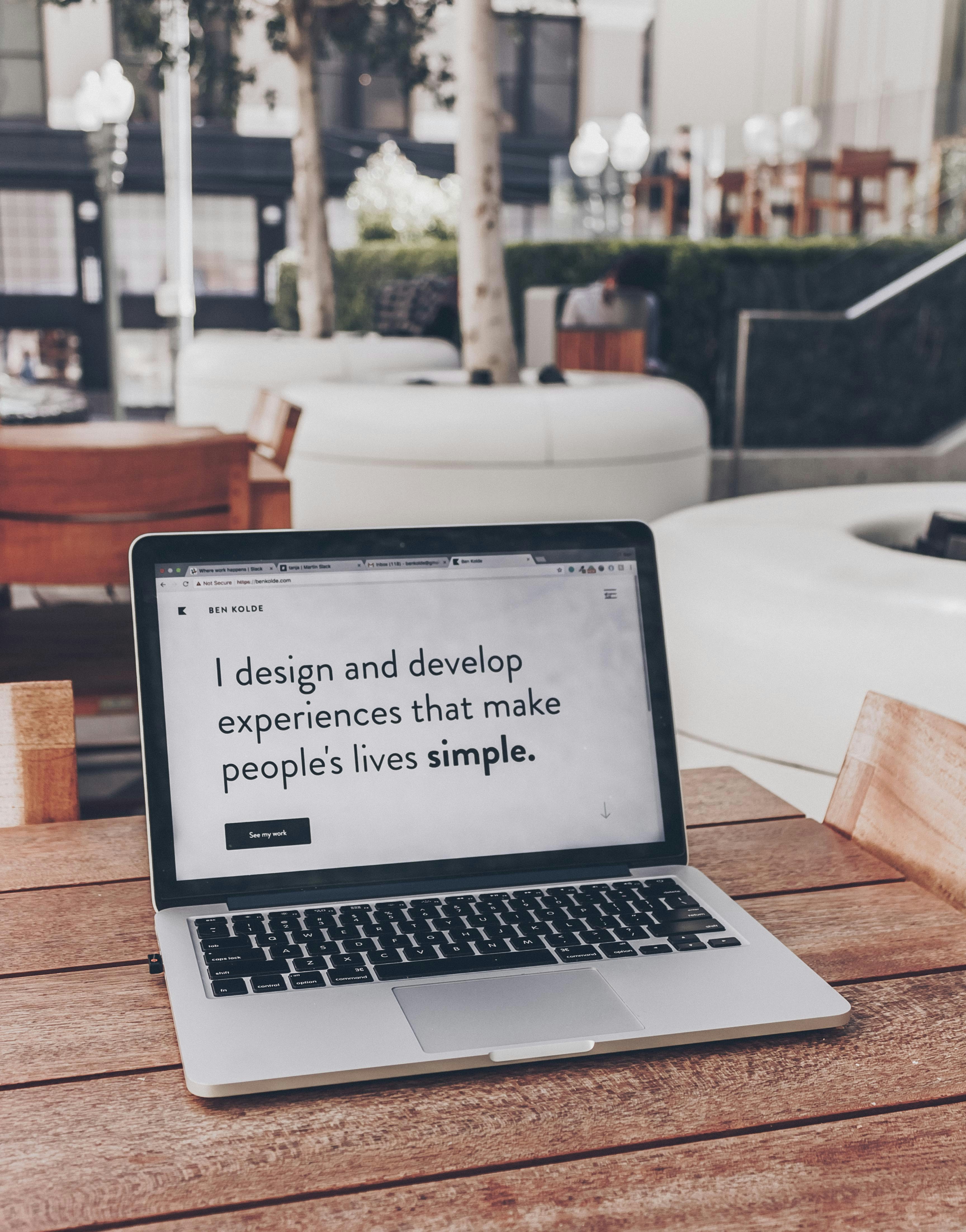
Ready? Let's commence.
Lesson 1: Importance of a UX/UI Portfolio
Definition:
A portfolio is a curated collection of your work that demonstrates your skills, methodologies, and accomplishments in UX/UI design.

Importance:
Showcases Skills: Highlights your abilities and design process.
Professional Growth: Demonstrates your progress and continuous learning.
Job Opportunities: Attracts potential employers and clients.
Lesson 2: Structuring Your Portfolio

Introduction/About Me:
Content: Briefly introduce yourself, your background, and your design philosophy.
Example: "I'm a UX/UI designer with a passion for creating intuitive and engaging user experiences. With a background in graphic design, I blend visual aesthetics with user-centered design principles."
Case Studies:
Content: Detailed accounts of your design projects, including problem statements, design processes, and final outcomes.
Example: A case study on a fitness app redesign, showcasing the research, wireframing, prototyping, and usability testing .
Lesson 2: Structuring Your Portfolio
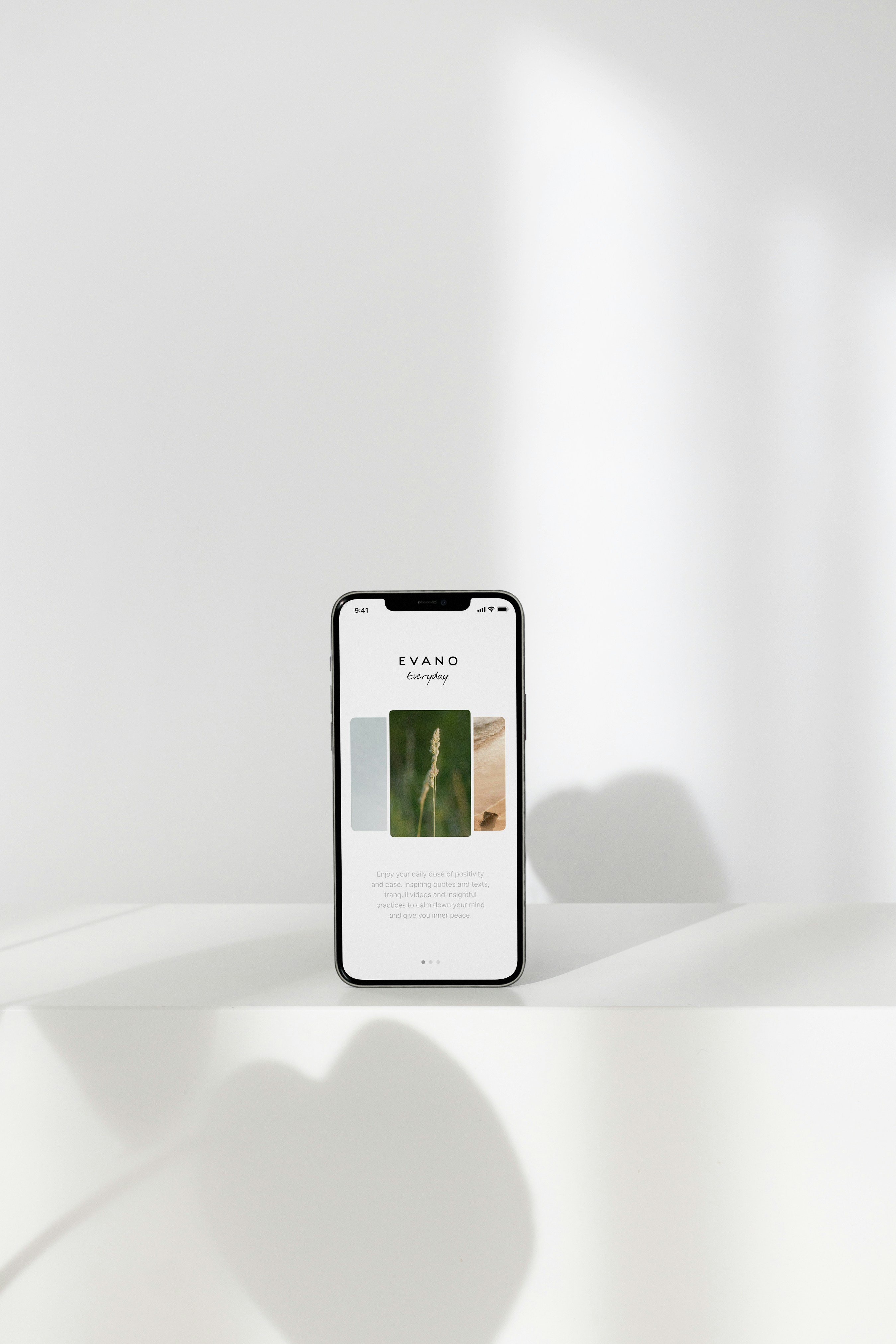
Work Samples:
Content: Visual representations of your best work, such as wireframes, prototypes, and final designs.
Example: Screenshots of the fitness app’s interface, annotated with descriptions of design choices.
Process Documentation:
Content: Step-by-step documentation of your design process, including user research, sketches, wireframes, and iterations.
Example: A documented journey of creating a workout logging feature for the fitness app, from initial sketches to high-fidelity prototypes.
Lesson 2: Structuring Your Portfolio

Contact Information:
Content: Provide your contact details, LinkedIn profile, and any other relevant links.
Example: "Contact me at [email address] or connect with me on [LinkedIn]."
Lesson 3: Creating Effective Case Studies

Components of a Case Study:
Project Overview:
Content: Brief description of the project and its objectives.
Example: "Redesigning a fitness app to improve user engagement and simplify the workout logging process."
Problem Statement:
Content: Define the problem you aimed to solve.
Example: "Users found the workout logging feature confusing and time-consuming."
Lesson 3: Creating Effective Case Studies

Research:
Content: Summarize user and market research findings.
Example: "Conducted user interviews and surveys to identify pain points and preferences."
Design Process:
Content: Detailed account of your design process, including sketches, wireframes, and prototypes.
Example: "Developed wireframes and prototypes, tested with users, and iterated based on feedback."
Lesson 3: Creating Effective Case Studies
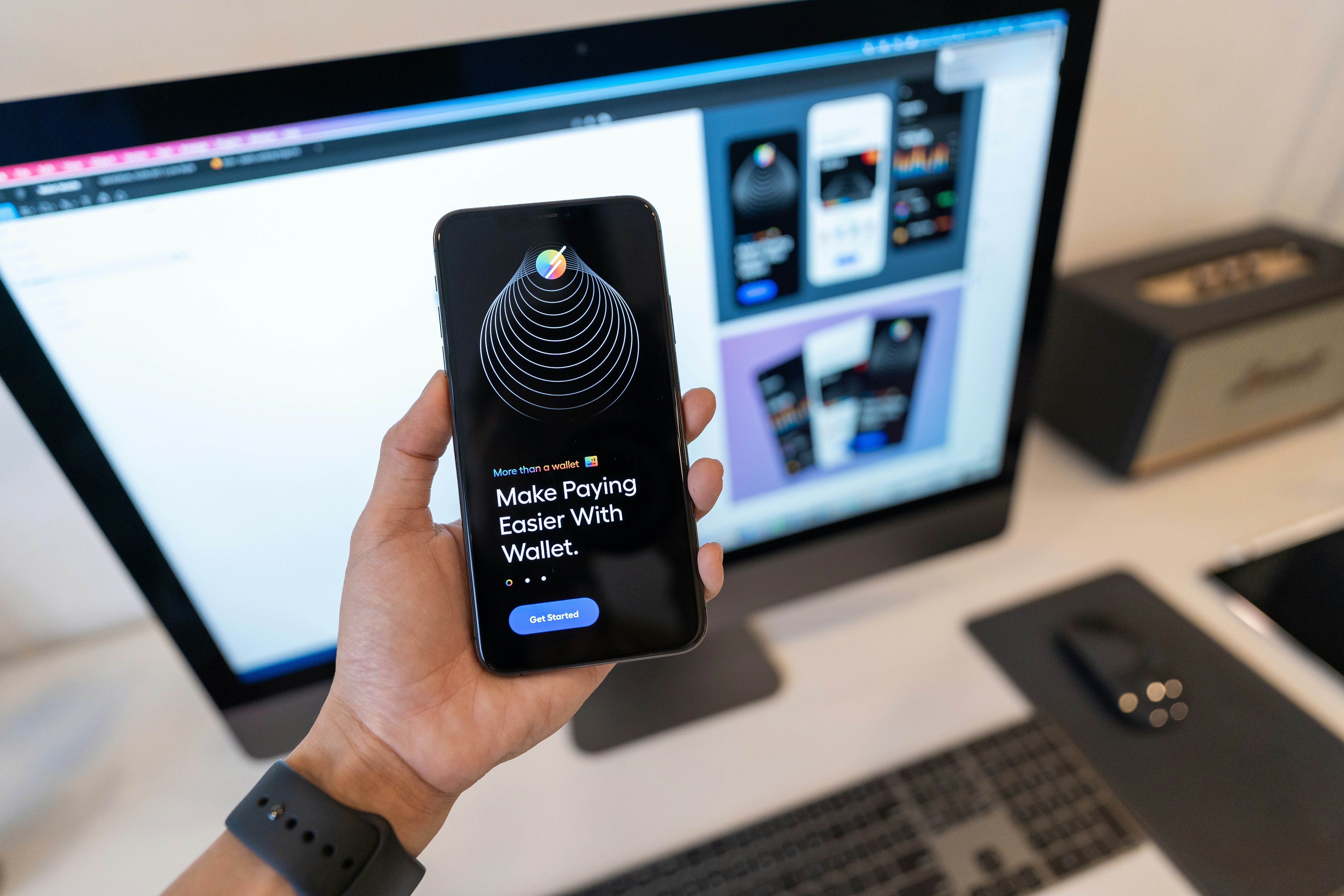
Final Design:
Content: Showcase the final design and explain the rationale behind design choices.
Example: "The redesigned interface is more intuitive, with clear navigation and accessible features."
Results and Reflections:
Content: Present the outcomes and reflect on what you learned.
Example: "User engagement increased by 30%, and the workout logging process is now 50% faster."
Practical Application: Fitness App Portfolio
Project to Work On: Fitness App
Introduction/About Me:
Introduce yourself and your interest in fitness app design.
Case Study:
Project Overview: Redesign of a fitness app’s workout logging feature.
Problem Statement: Improve usability and user satisfaction.
Research: Summary of user interviews and survey findings.
Design Process: Documentation of wireframes, prototypes, and usability tests.
Final Design: Screenshots and explanations of the redesigned interface.
Contact Information:
Provide your email and LinkedIn profile for potential employers and clients to reach you.
Submit task
Resources for Further Reading.